Keeping Local Backups Isolated from Production

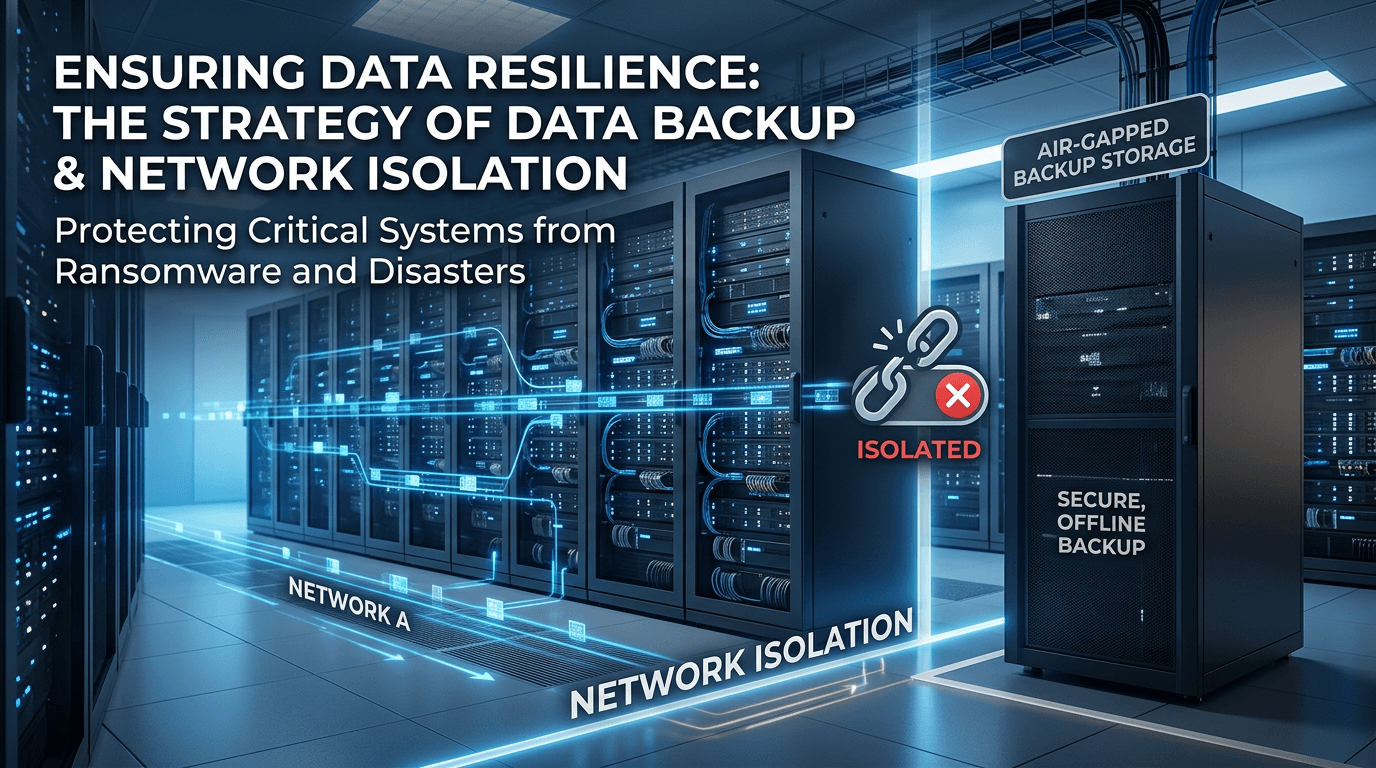
There are several ways to keep a local backup copy isolated from the production network. Here are some suggestions:
Use a physically separate network
One way to isolate the backup is to store it on a network that is physically disconnected from your production environment. This prevents ransomware and other malware from reaching backup data if the production network is compromised.
Air-gapped backups
For critical data, consider air-gapped backups where the backup media is disconnected after the backup completes. Tape libraries or removable drives that are rotated offsite provide this isolation.
Network segmentation
If physical separation isn't practical, use VLANs and firewall rules to create a dedicated backup network segment. Ensure that backup storage is not accessible from general-purpose workstations.
Additional recommendations
- Encrypt backups at rest
- Test restore procedures regularly
- Maintain multiple backup copies following the 3-2-1 rule (3 copies, 2 different media types, 1 offsite)
- Monitor backup systems for unauthorized access attempts
Isolating backups from production reduces the risk that a single compromise affects both your live systems and your recovery capability.