Revoking Admin Roles from Non-IT Users in Microsoft 365

Marco Alcala
Marco Alcala
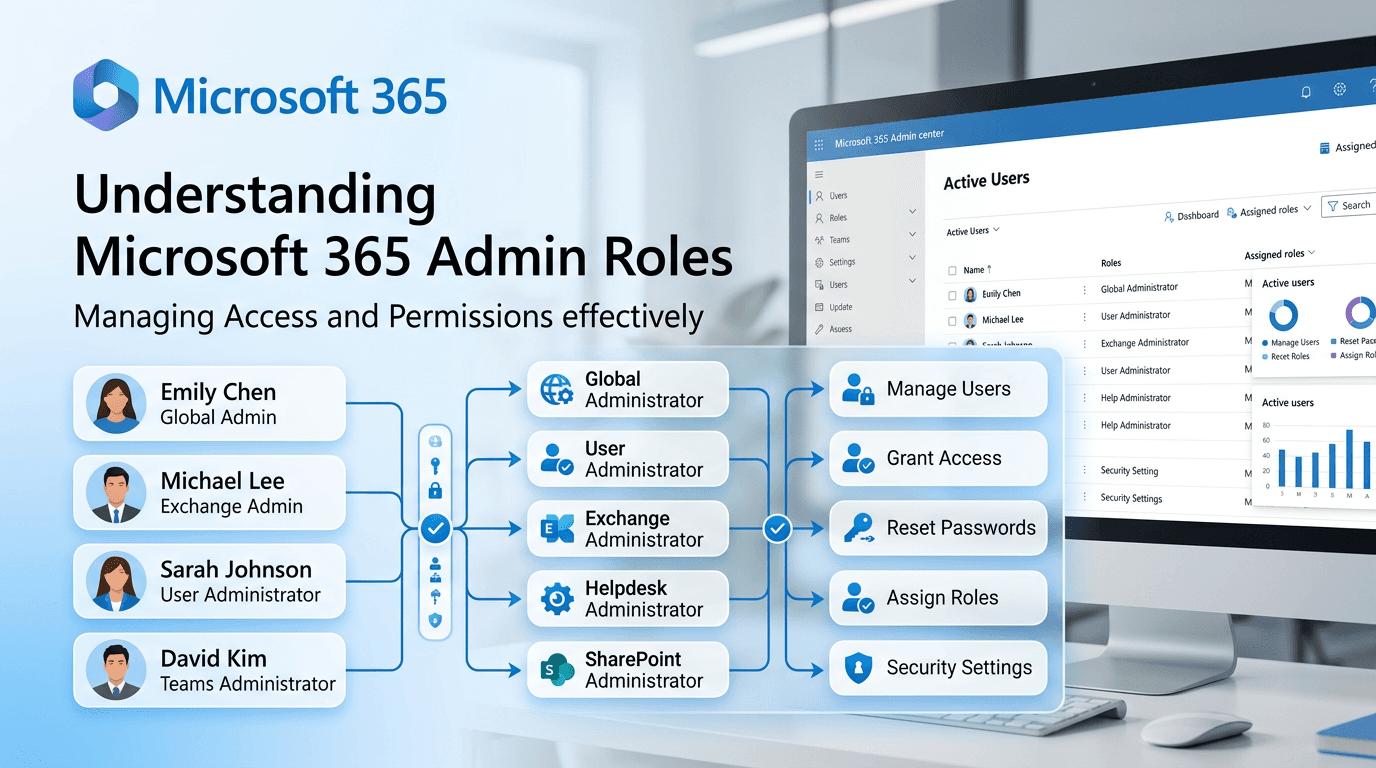
To revoke admin roles from a non-IT user in Microsoft 365, you will need to follow these steps:
Procedure
-
Sign in to the Microsoft 365 Admin Center with your admin credentials. Go to admin.microsoft.com.
-
Navigate to Users: In the left pane, go to "Users" → "Active users."
-
Select the user: Click on the user whose admin roles you want to revoke.
-
Manage roles: Click "Manage roles" under the user's name.
-
Remove admin roles: Select "User (no admin access)" or deselect any admin roles that have been assigned. Click "Save changes."
Best practices
- Principle of least privilege: Only assign admin roles to users who need them for their job function.
- Regular access reviews: Periodically audit who has admin access and remove it when no longer needed.
- Use dedicated admin accounts: Consider requiring separate accounts for administrative tasks rather than elevating regular user accounts.
Excessive admin privileges in Microsoft 365 increase the risk of data exposure, accidental misconfiguration, and account takeover. Keeping the number of admins minimal is a key security control.